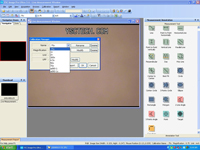
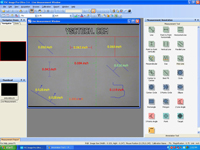
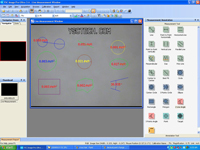
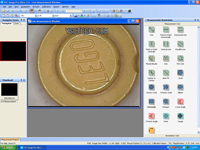
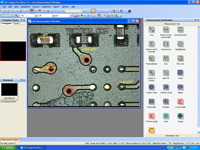
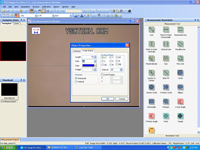
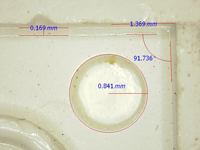
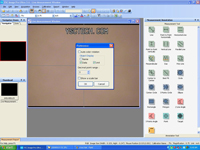
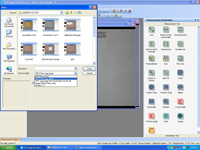
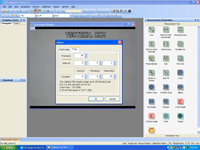
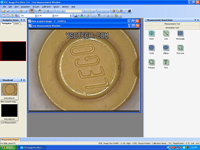
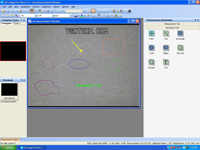
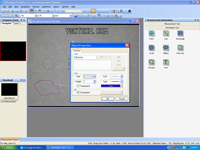
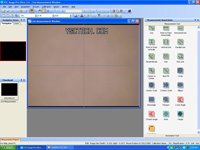
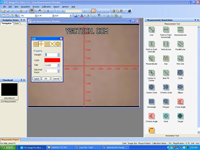
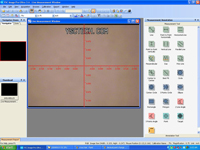
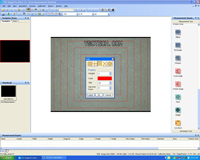
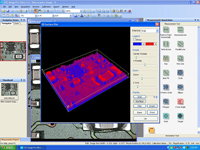
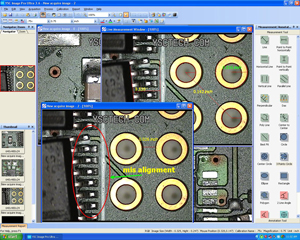
 Image Pro Ultra is the ultimate video measurement software for your real-time live video measurement and image process applications. The video measurement software can be used in wide range of industries from microelectronics, SMT, semiconductor, medical device, scientific, automotive and education at QA, FA, Production and R&D Departments. This video measurement software is compatible with different video cameras from analog digital video with composite and s-video signals to mega pixel USB cameras. Image Pro Ultra video measurement software can turn your ordinary video microscope and digital microscope into a powerful measurement and image processing tool.
In recent years, the Image Pro Ultra software has since been replaced by our TCapture and Capture 2.0 image processing and measurement softwares. Both softwares offer image stitching capabilities, extended depth of focus, multiple calibrations storage, and various tools for measurements of different types and annotation. The TCapture and Capture 2.0 software are included with our HD800 digital microscope series. More information can be found in the Youtube videos at the bottom of any of the digital microscope models in the HD800 series' pages: HD801, HD806, HD807.
( Click on left image for larger view)